
Checkout Optimization: 9 Fixes That Turn Abandoned Carts Into Orders
About 7 out of 10 shoppers who fill a cart never pay. Most of that loss isn't price — it's friction at checkout. Nine concrete fixes from real stores I've built, ordered by how much revenue they recover.
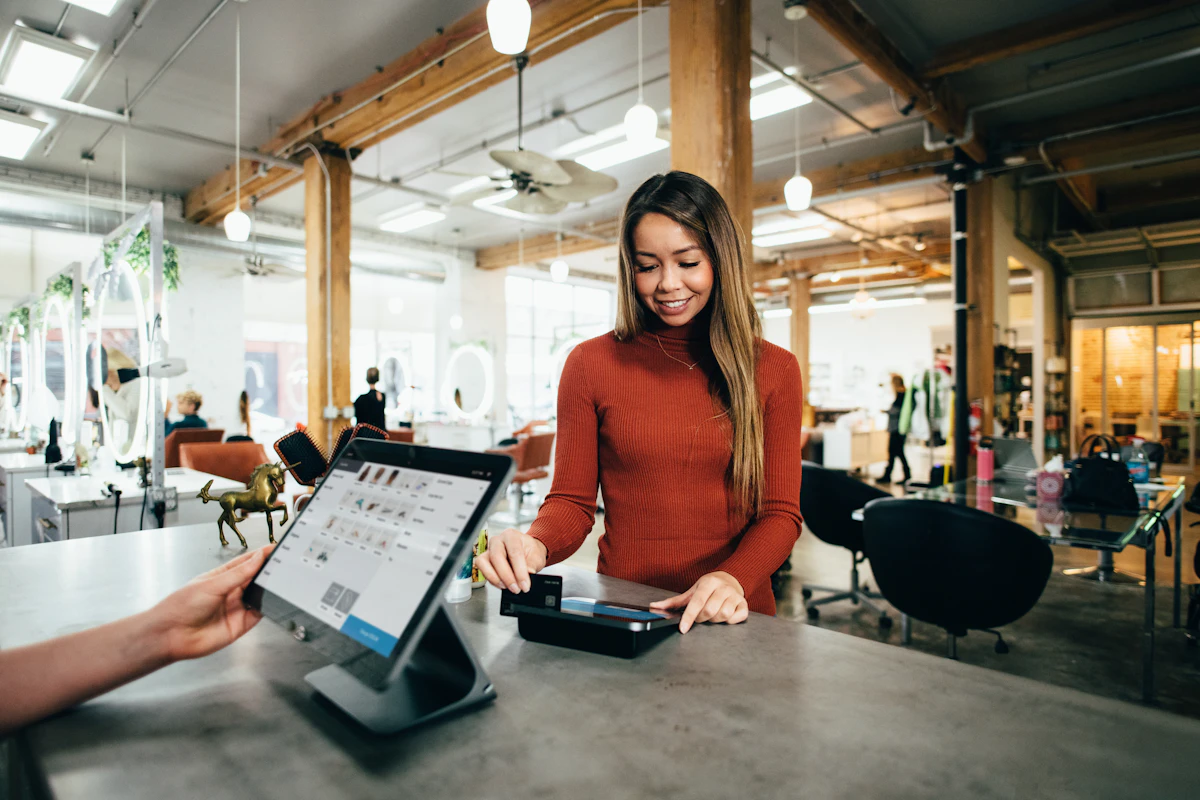
Here's the most expensive number in e-commerce: roughly 70% of filled carts are abandoned. Not by people who changed their minds about the product — most abandonment happens at checkout, at the exact moment the customer had already decided to buy. When I build stores through my e-commerce development service, checkout is where I spend a disproportionate share of the design effort, because small friction there costs more than almost anything else on the site. These nine fixes, in the order I'd apply them, are the ones that consistently recover orders.
1. Show the total cost early — surprises kill orders
The number-one stated reason for abandonment is extra costs appearing late: delivery fees, taxes, "handling." A customer who sees 349 MAD on the product page and 429 MAD at payment doesn't feel informed — they feel tricked, and they leave. Show delivery costs on the product page or in the cart at the latest, offer free-shipping thresholds ("free delivery over 500 MAD") and never, ever introduce a new fee on the final step.
2. Guest checkout, always
Forcing account creation before payment asks for commitment before value. Let people buy as guests with an email or phone number; offer the account after the order, pre-filled from the data they just gave you ("save your details for faster checkout next time?"). Stores that gate checkout behind registration are paying for accounts with lost sales.
3. Fewer fields, fewer steps
Every field is a small decision to quit. Audit your form ruthlessly: do you need the company name? The second address line? The date of birth? Probably not. Then combine steps where it makes sense — a well-designed single page (or a tight two-step: delivery → payment) with a visible progress indicator beats the classic five-screen relay. Auto-fill what's derivable: city from postal code, formatting for phone numbers as they type.
4. Offer the payment methods your customers actually trust
A checkout that only takes international cards will bleed in markets like Morocco, where cash on delivery is a first-class preference and CMI is the local card standard. Offer the mix your audience uses — cards (CMI/Stripe/PayPal depending on your market), COD where it's expected — and display them early, not as a surprise at the last step. I break down the options in my guide to payment gateways in Morocco — the details matter.
5. Trust signals at the moment of doubt
Checkout is where anxiety peaks: is this site legit, will my card be safe, what if it never arrives? Place the reassurances exactly there — secure-payment badges, your returns policy in one line, delivery time in plain words, a phone/WhatsApp number that a human answers. Reviews help on product pages; at checkout, it's logistics and guarantees that close.
6. Speed is a checkout feature
A checkout page that takes three seconds to load on a phone loses people before the form even renders — and mobile is most of your traffic. Keep the checkout ruthlessly light: no heavy banners, no chat widgets popping over the payment button, no third-party script buffet. This is also why I harp on store page speed generally: every second is priced in conversion.
7. Errors that help instead of scolding
"Invalid input" is where orders go to die. Validate inline, as fields are completed; say precisely what's wrong ("phone number needs 10 digits"); never wipe the form on an error; and preserve the cart through payment failures — a declined card should return the customer to a checkout with everything still filled, ready for another method, not to an empty cart and a fresh start.
8. Recover the ones who leave anyway
Even a great checkout loses people — to a phone call, a dead battery, a moment of hesitation. An abandoned-cart sequence (one email or WhatsApp message after a few hours, optionally a last one with a small incentive at 48h) routinely recovers a meaningful slice of those orders for near-zero cost. WhatsApp, in Morocco, outperforms email strikingly for this — see my WhatsApp commerce guide. The key is automation with a human tone, not spam.
9. Confirm like you mean it
The "thank you" page and the confirmation message are part of checkout, not an afterthought: what was ordered, what happens next, when it arrives, how to reach you. A customer who feels informed doesn't cancel, doesn't chargeback, and comes back. For COD orders, a quick confirmation message or call also filters out fake orders before you pay for shipping — profitability, not just politeness.
The order of operations
If your store is bleeding carts, start at the top: total-cost transparency and guest checkout usually pay back within days, payment mix next, then speed and recovery automation. None of these require a redesign — they're engineering and configuration work on the checkout you already have. And when I build a store from scratch, all nine are in the e-commerce development service by default, because retrofitting conversion onto a finished store is always the more expensive direction. Not sure where your checkout leaks? Send me your store's URL and I'll point at the biggest holes first.